> ## Documentation Index
> Fetch the complete documentation index at: https://dripart-chore-mintlify-theme-mint.mintlify.site/llms.txt
> Use this file to discover all available pages before exploring further.
# Bottom Panel - Shortcuts, Logs, and Terminal
> The ComfyUI bottom panel hosts Shortcuts (Essentials and View Controls), runtime logs on non-Cloud builds, and a command terminal on Desktop only.
The bottom panel is a docked workspace strip under the canvas. It hosts keyboard shortcut reference tabs on every build, a **Logs** stream on self-hosted and Desktop builds, and a **Terminal** on the Desktop app only. Comfy Cloud does not register terminal tabs; Shortcuts still work.
 ## Opening the panel
You can open the bottom panel in several ways:
* **Shortcuts**: click the keyboard icon near the bottom of the left sidebar (`Workspace.ToggleBottomPanel.Shortcuts`, default `Ctrl` + `Shift` + `K`). That toggles the shortcuts panel specifically.
* **Console / terminal panel** (non-Cloud): click the terminal icon near the bottom of the left sidebar. That runs **Toggle Bottom Panel**, which prefers the terminal panel when Logs/Terminal tabs are loaded, otherwise falls back to Shortcuts.
* **View** menu: **Bottom Panel** (`Workspace.ToggleBottomPanel`).
* **Logs shortcut** (non-Cloud): default `Ctrl` + `` ` `` toggles the Logs tab (`Workspace.ToggleBottomPanelTab.logs-terminal`).
The panel is hidden while [Focus Mode](/interface/canvas-controls) is on.
## Shortcuts tabs
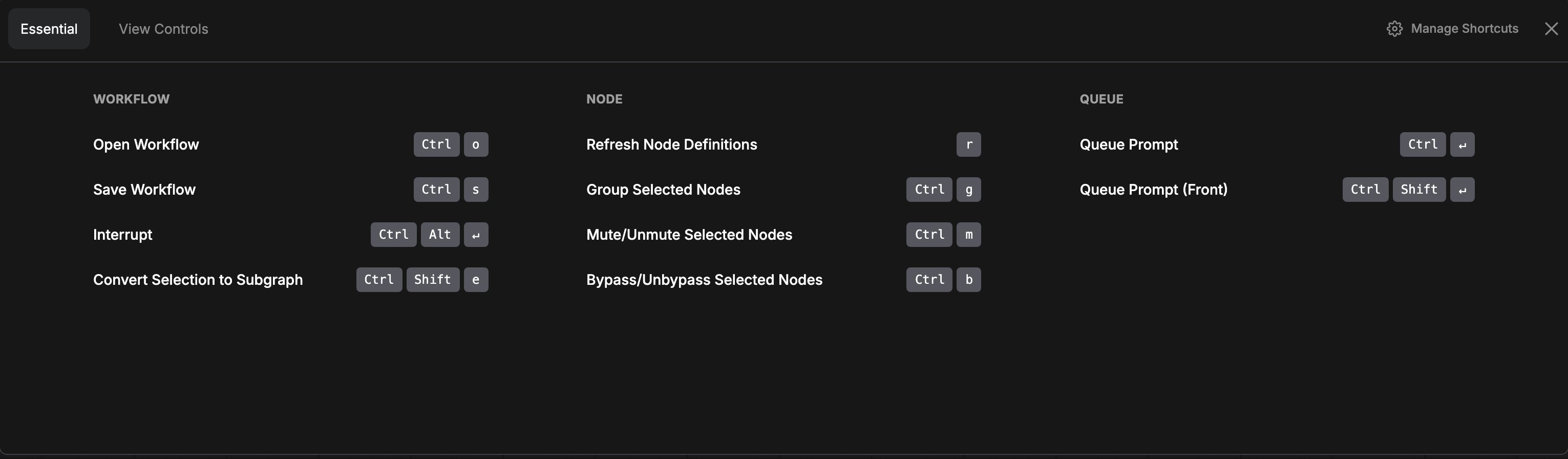
Shortcuts register two tabs on the **shortcuts** panel:
* **Essentials**: common editing and queue shortcuts.
* **View Controls**: navigation and view-related shortcuts.
These panels mirror the same command/keybinding data you can customize under Settings → Keybinding. For the full editable list, see [Shortcuts](/interface/shortcuts).
## Logs (self-hosted and Desktop)
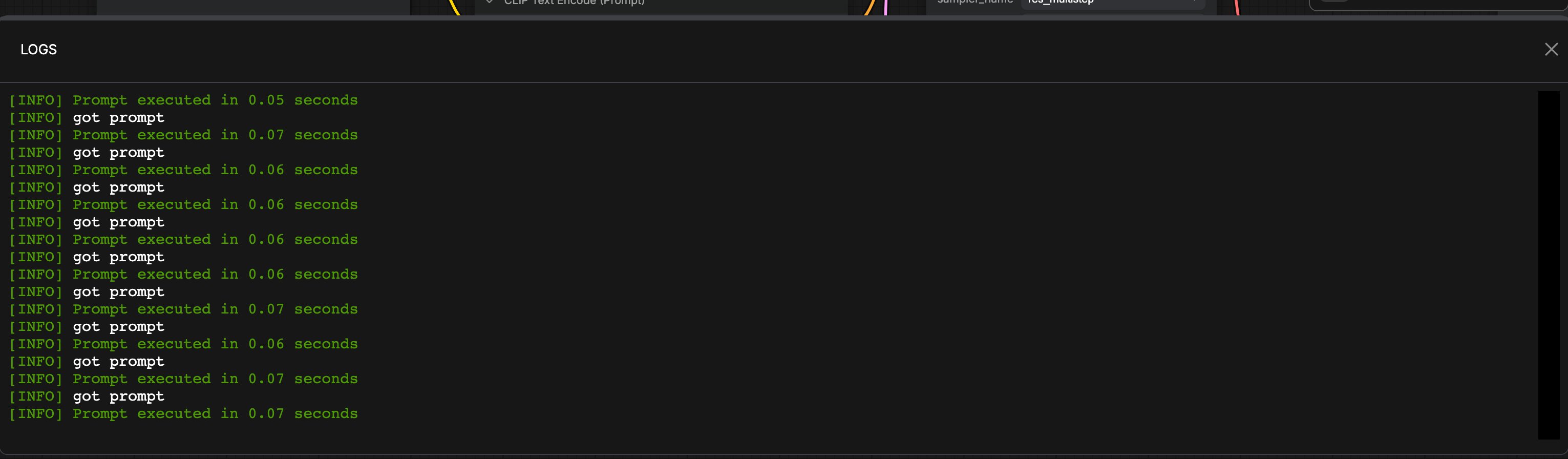
On non-Cloud builds, a **Logs** tab streams runtime log output from the ComfyUI process. Use it when debugging custom nodes, server errors, or backend messages without switching to an external terminal.
Default shortcut: `Ctrl` + `` ` ``.
## Terminal (Desktop only)
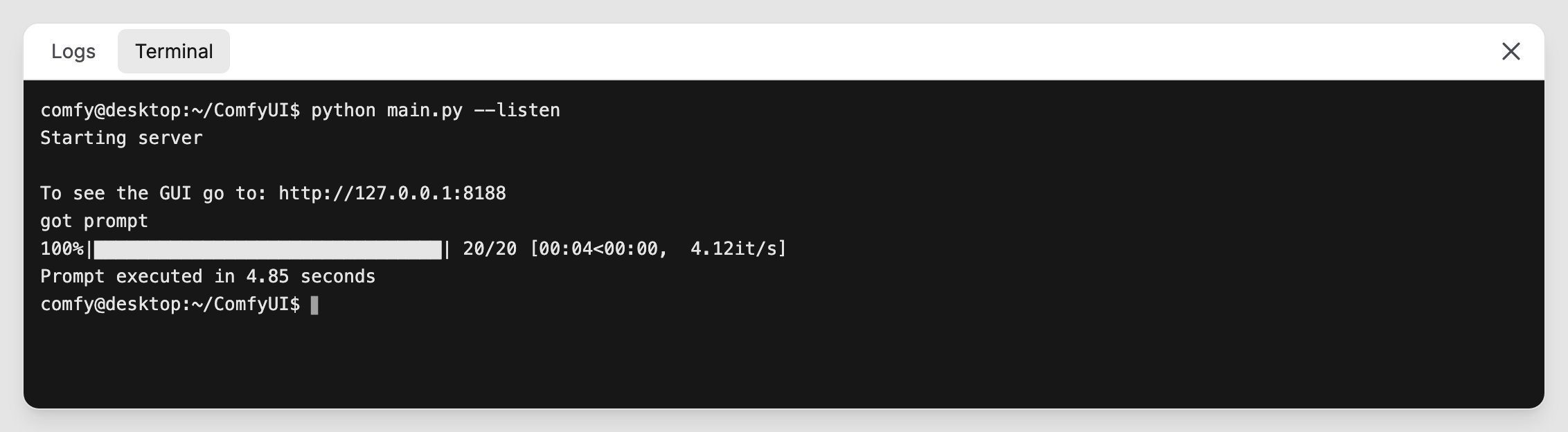
On the **Desktop** app, a **Terminal** (command terminal) tab is registered next to Logs. It provides an in-app shell for Desktop users. It is not registered on pure browser self-hosted sessions or on Comfy Cloud.
## Opening the panel
You can open the bottom panel in several ways:
* **Shortcuts**: click the keyboard icon near the bottom of the left sidebar (`Workspace.ToggleBottomPanel.Shortcuts`, default `Ctrl` + `Shift` + `K`). That toggles the shortcuts panel specifically.
* **Console / terminal panel** (non-Cloud): click the terminal icon near the bottom of the left sidebar. That runs **Toggle Bottom Panel**, which prefers the terminal panel when Logs/Terminal tabs are loaded, otherwise falls back to Shortcuts.
* **View** menu: **Bottom Panel** (`Workspace.ToggleBottomPanel`).
* **Logs shortcut** (non-Cloud): default `Ctrl` + `` ` `` toggles the Logs tab (`Workspace.ToggleBottomPanelTab.logs-terminal`).
The panel is hidden while [Focus Mode](/interface/canvas-controls) is on.
## Shortcuts tabs
Shortcuts register two tabs on the **shortcuts** panel:
* **Essentials**: common editing and queue shortcuts.
* **View Controls**: navigation and view-related shortcuts.
These panels mirror the same command/keybinding data you can customize under Settings → Keybinding. For the full editable list, see [Shortcuts](/interface/shortcuts).
## Logs (self-hosted and Desktop)
On non-Cloud builds, a **Logs** tab streams runtime log output from the ComfyUI process. Use it when debugging custom nodes, server errors, or backend messages without switching to an external terminal.
Default shortcut: `Ctrl` + `` ` ``.
## Terminal (Desktop only)
On the **Desktop** app, a **Terminal** (command terminal) tab is registered next to Logs. It provides an in-app shell for Desktop users. It is not registered on pure browser self-hosted sessions or on Comfy Cloud.
 Cloud builds skip both Logs and Terminal registration entirely; only Shortcuts remains.
## Related pages
* [Shortcuts](/interface/shortcuts)
* [Canvas Controls](/interface/canvas-controls) (Focus Mode hides this panel)
* [Help Center](/interface/help-center)
* [Interface Overview](/interface/overview)
This documentation is built and hosted on [Mintlify](https://mintlify.com), a developer documentation platform.
Cloud builds skip both Logs and Terminal registration entirely; only Shortcuts remains.
## Related pages
* [Shortcuts](/interface/shortcuts)
* [Canvas Controls](/interface/canvas-controls) (Focus Mode hides this panel)
* [Help Center](/interface/help-center)
* [Interface Overview](/interface/overview)
This documentation is built and hosted on [Mintlify](https://mintlify.com), a developer documentation platform.